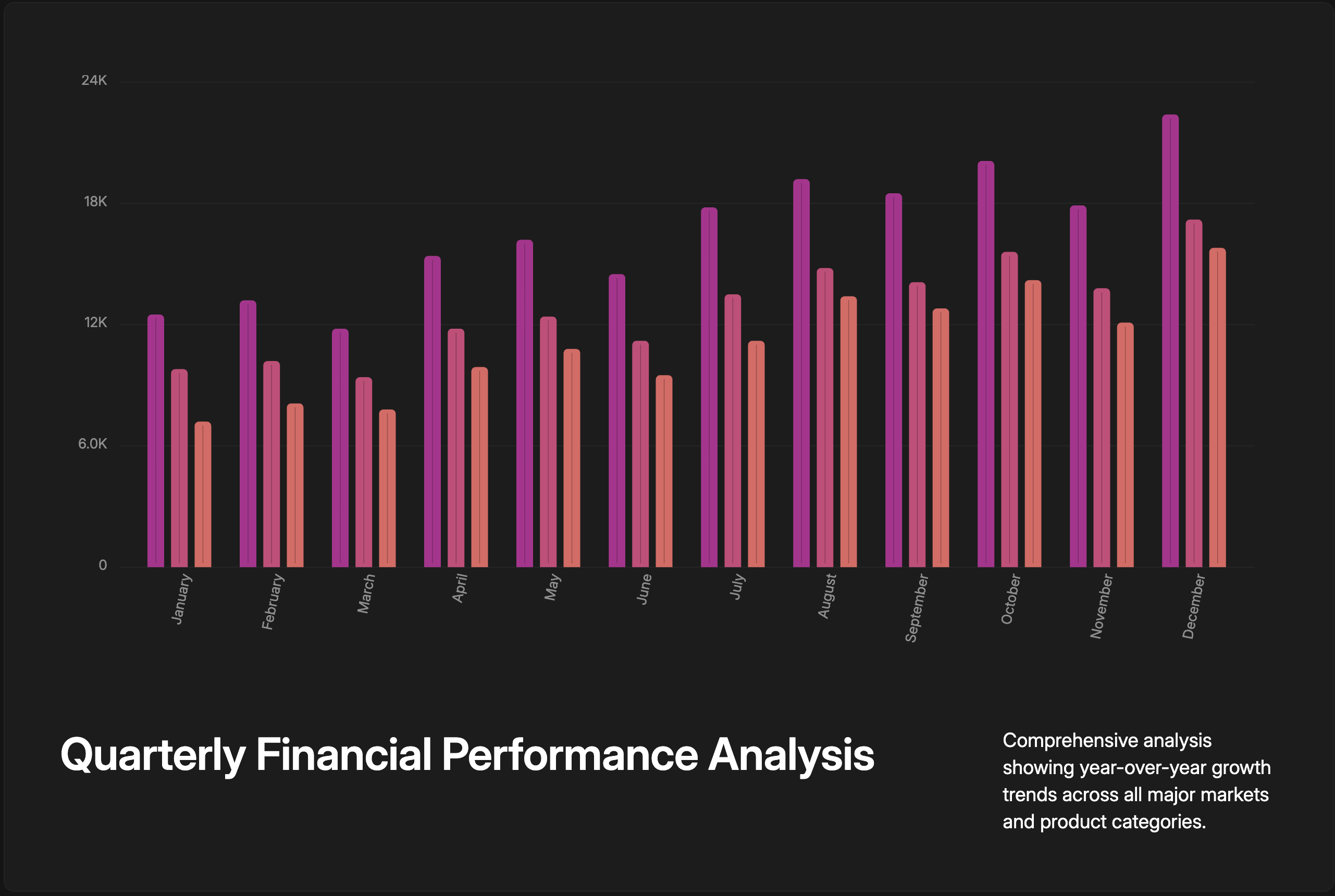
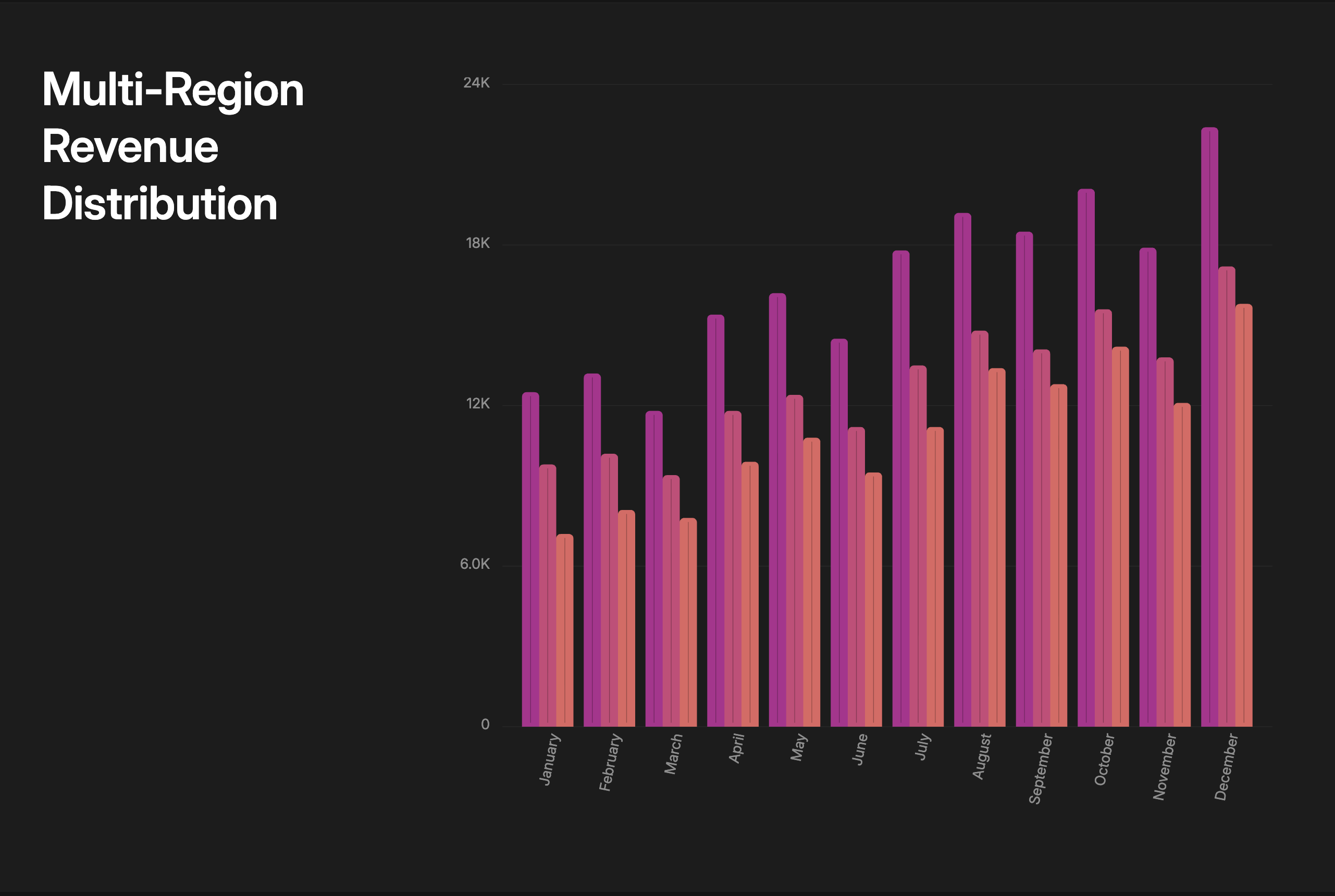
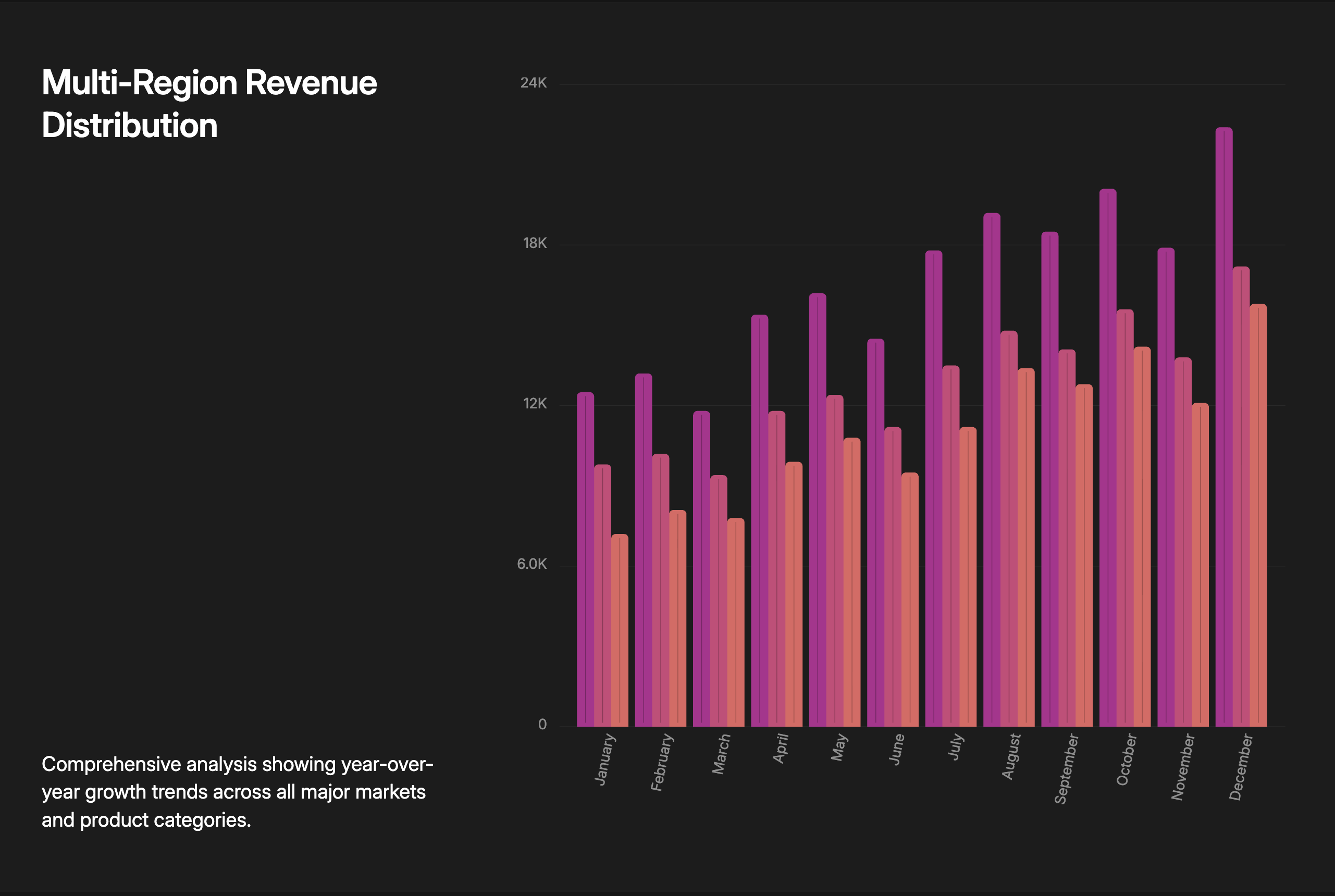
You can use the details and parameters listed here to instruct the LLM in your prompts to generate specific and consistently formatted slides.
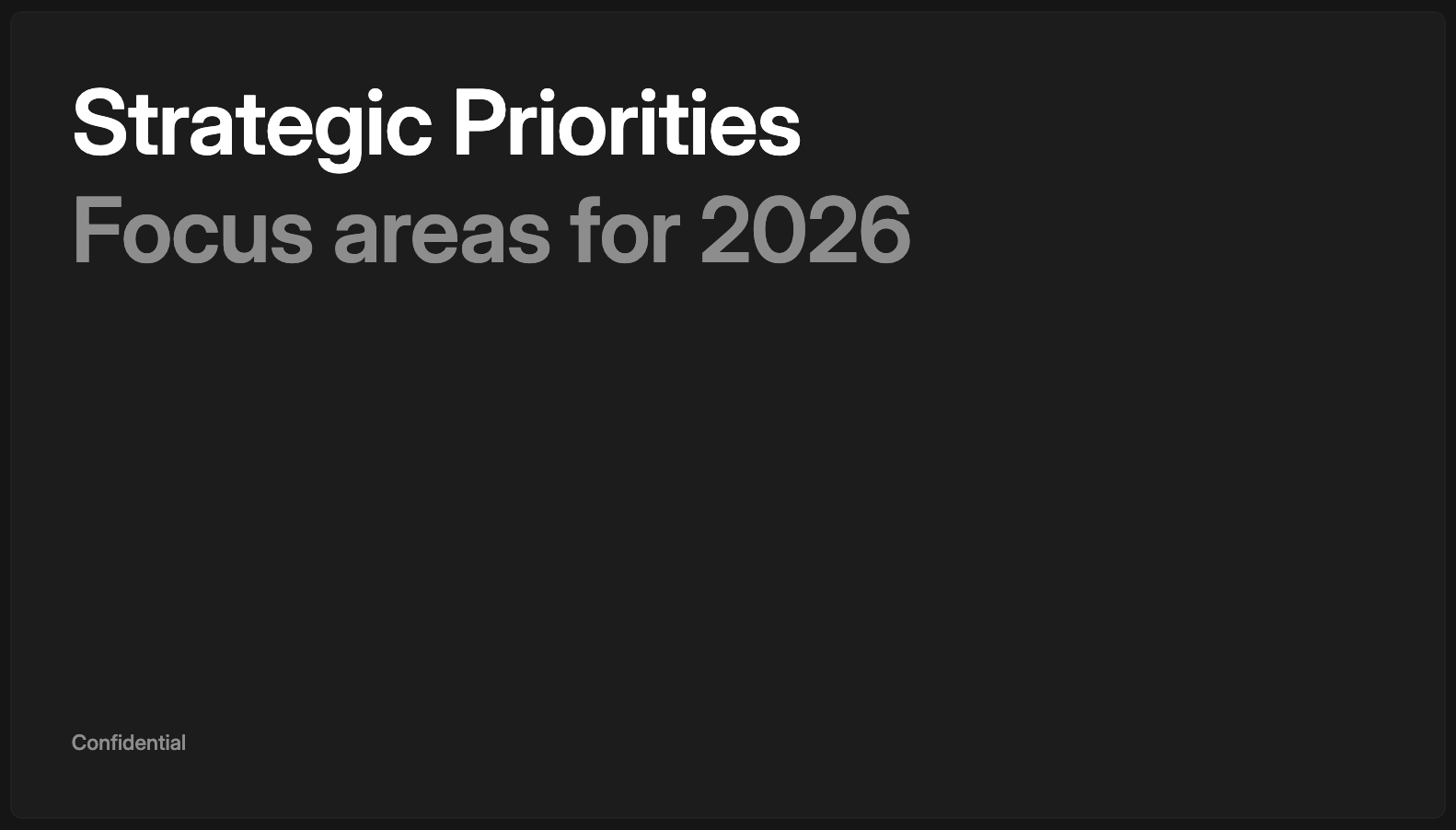
Title Slide
The title slide introduces your topic and sets the tone for the entire presentation. It creates a strong first impression, frames your narrative, and signals what’s coming next. Use it to establish context and build anticipation.
Minimal Variant
Combines text and imagery to support professional storytelling. Perfect for case studies and overviews which need some textual context.
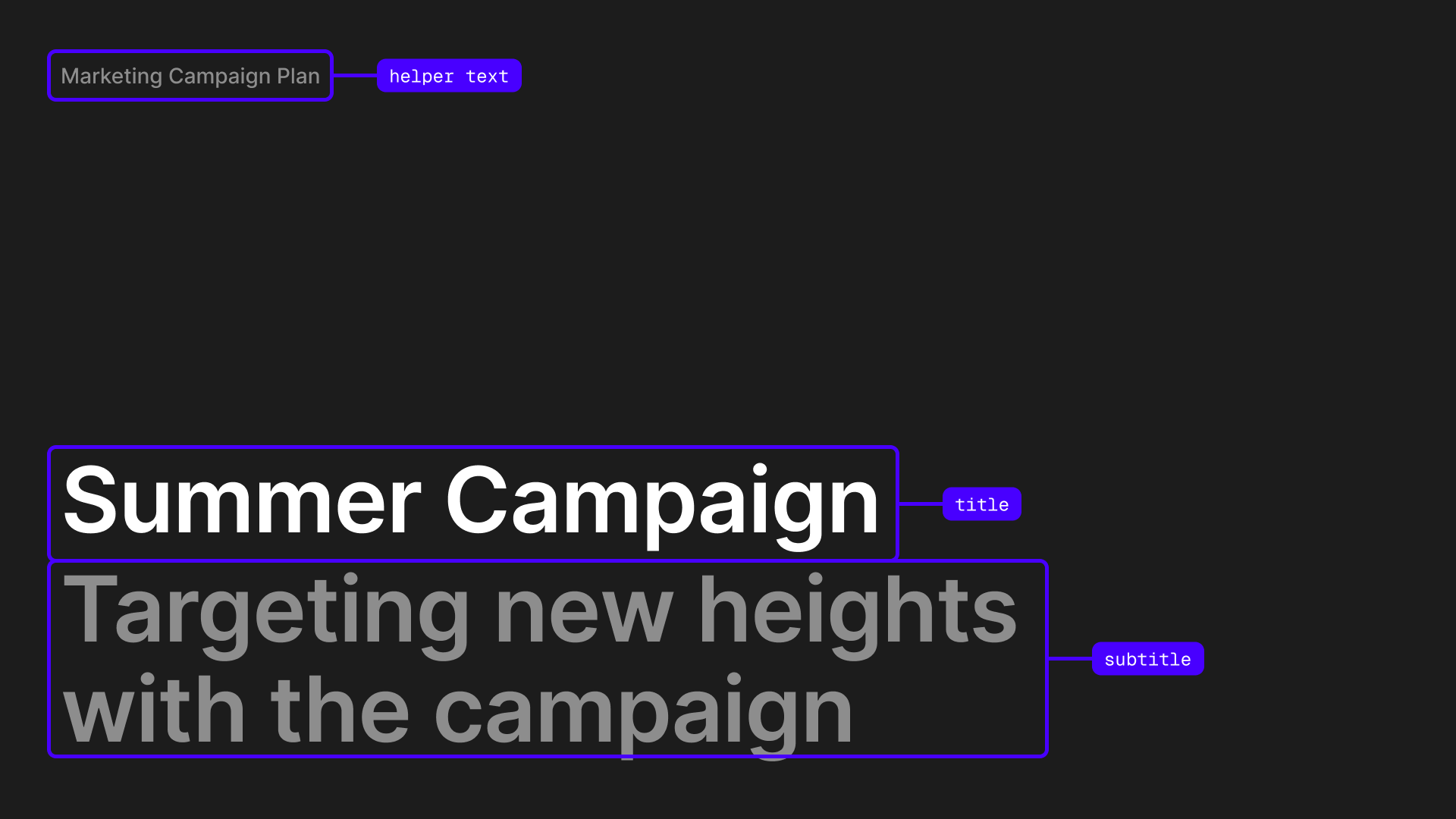
Parameters
Layouts
The layout parameter controls the position of the title.
Standard Variant
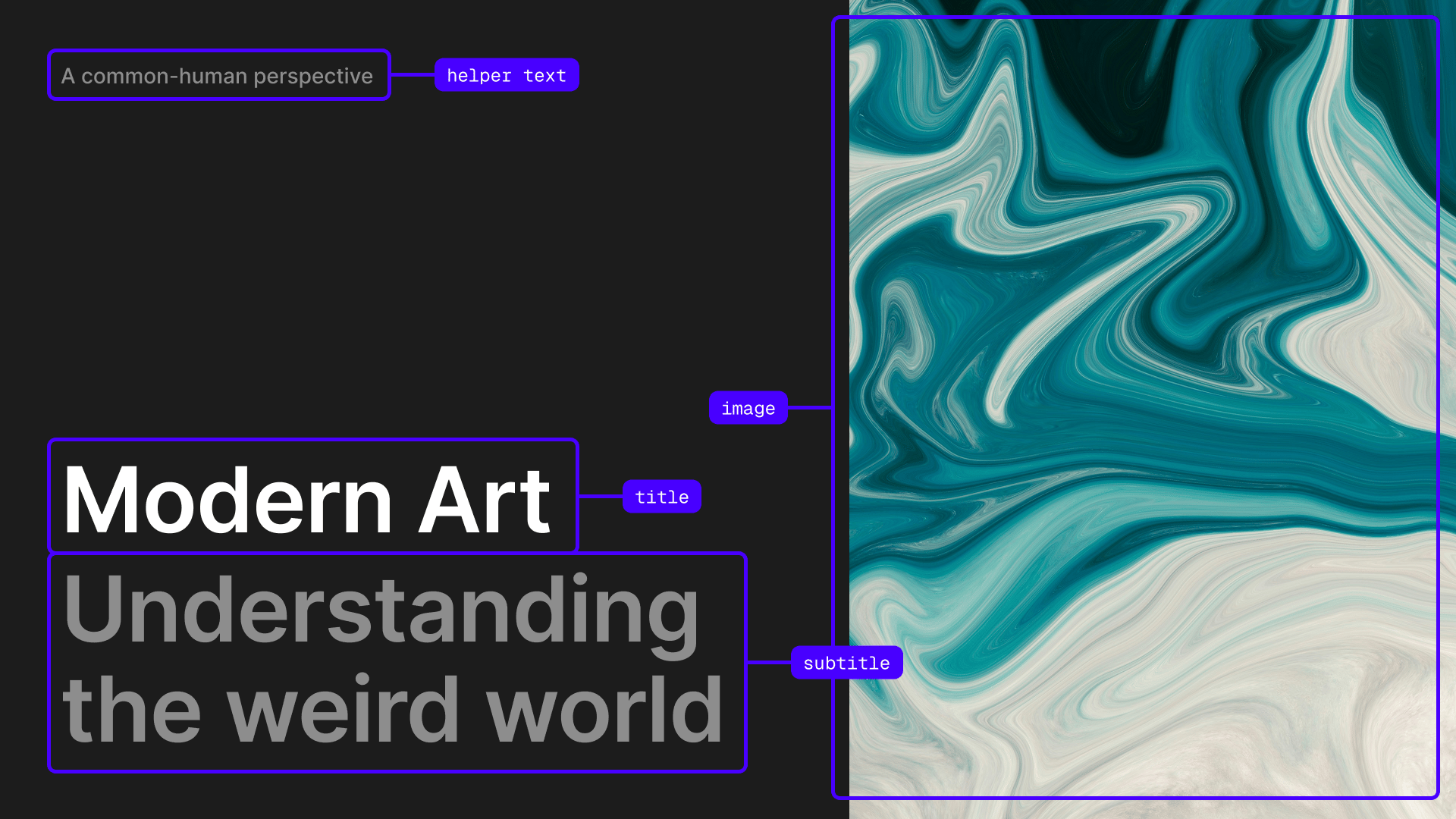
Combines text and imagery to support professional storytelling. Perfect for case studies and overviews which need some textual context.
Parameters
Layouts
The layout parameter controls the position of the title relative to the image.
Dramatic Variant
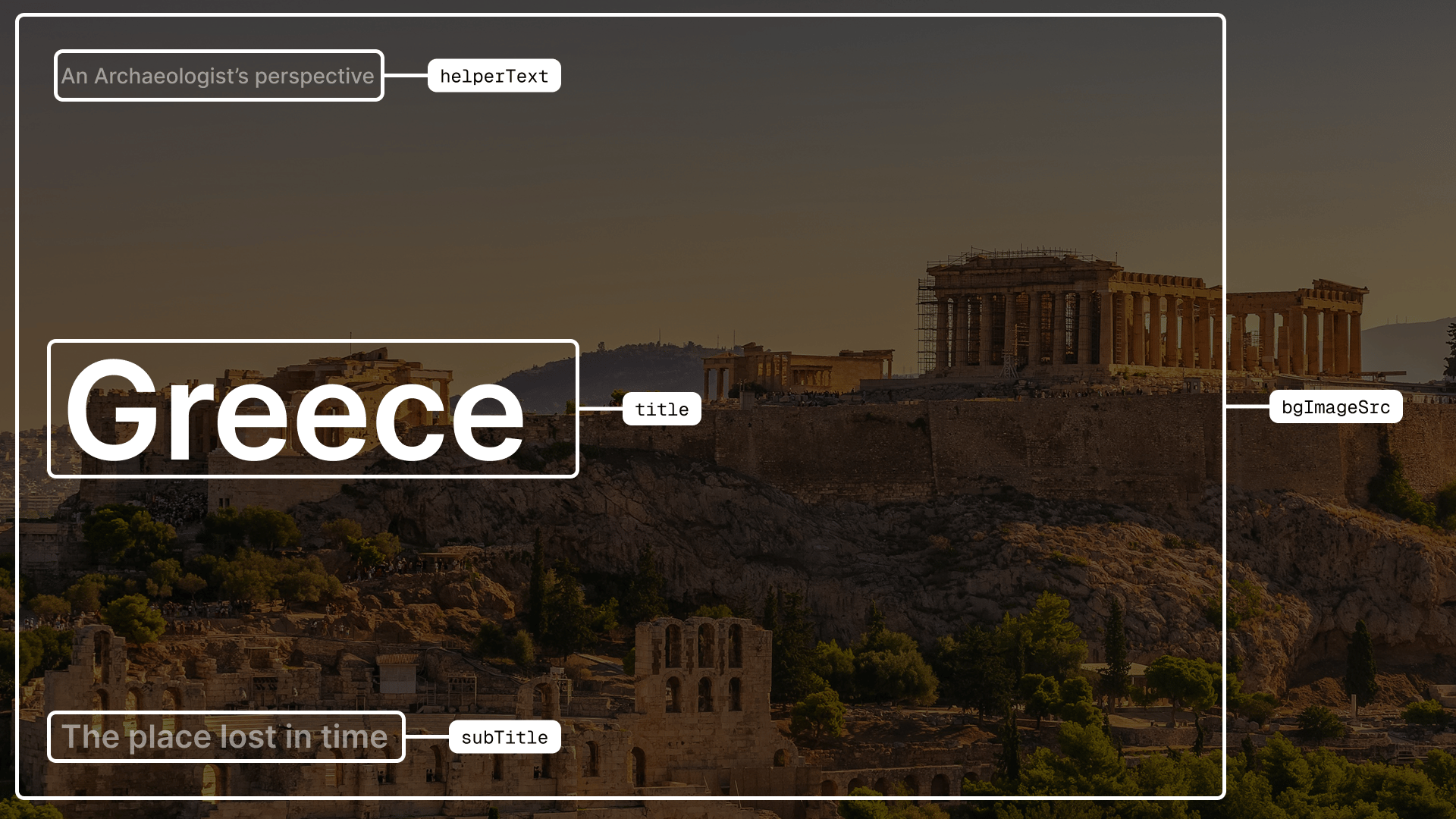
Designed for powerful first impressions. Best for short, self-explanatory titles where a background image could also add mood and emotion. Ideal for keynotes, event openings, and storytelling moments that need a cinematic feel.
Parameters
Layouts
The layout parameter controls the position of the title.
Content Slide
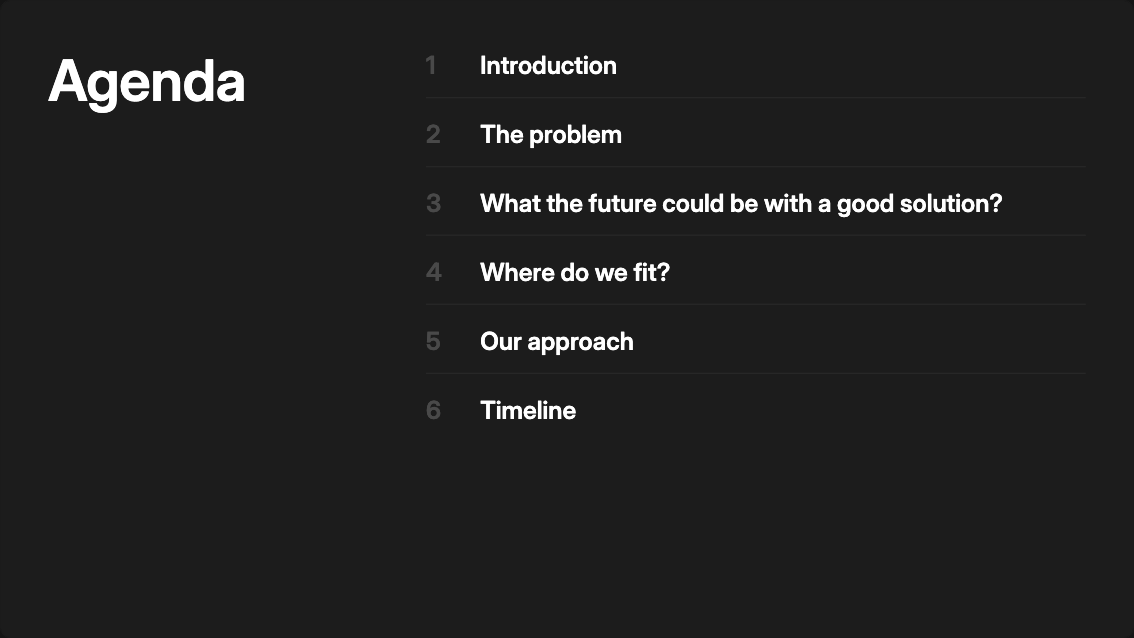
Use these slides to outline the main sections or topics of your presentation. Ideal for agendas, chapter overviews, or roadmaps that help the audience understand what’s coming next. Great for setting structure and guiding flow through your content.
Classic Variant
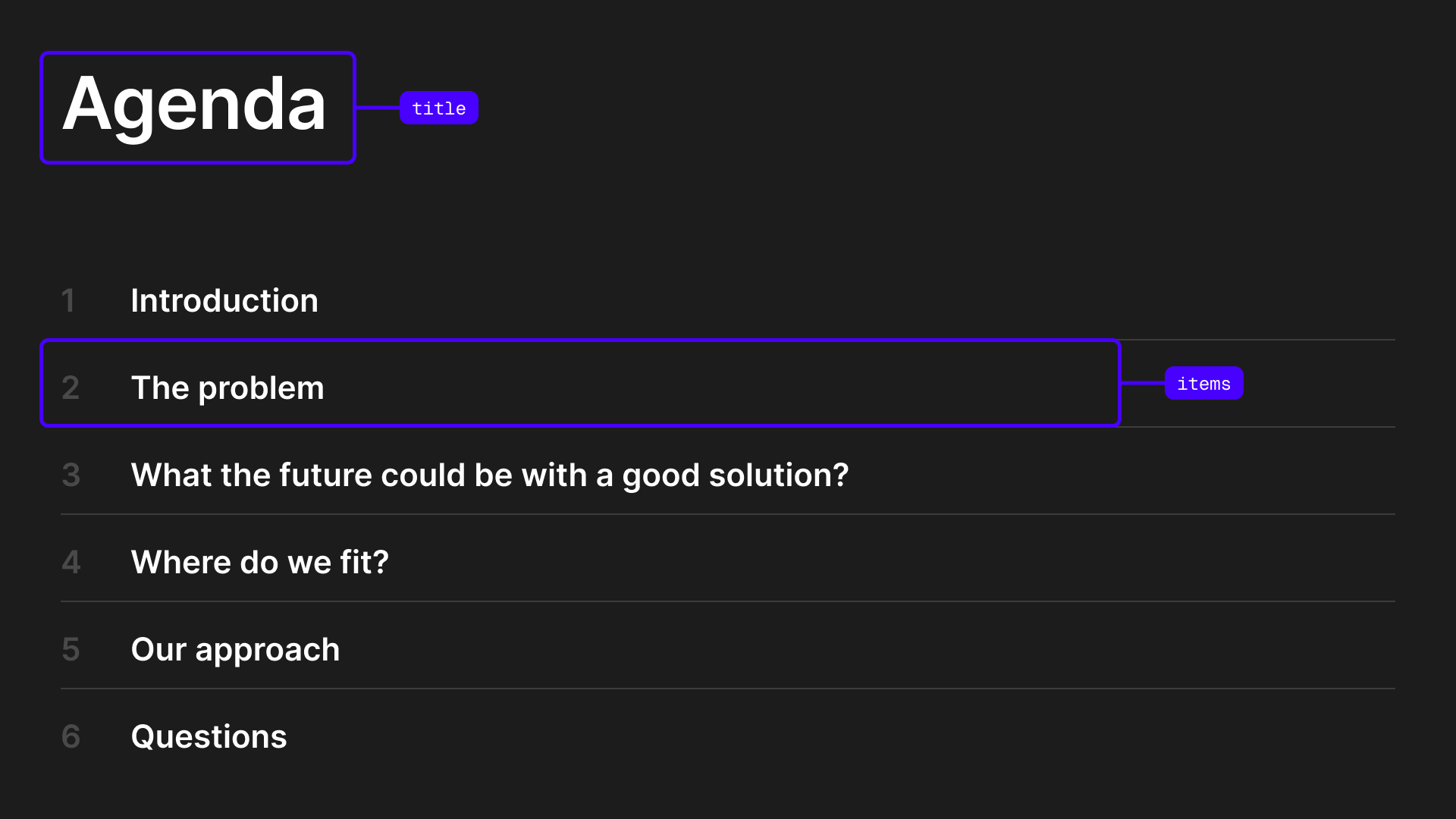
Use this when you need a titled content index or agenda. Ideal for formal presentations where you want to clearly label the section and provide structure.
Parameters
Layouts
The layout parameter controls the arrangement of content.
Expressive Variant
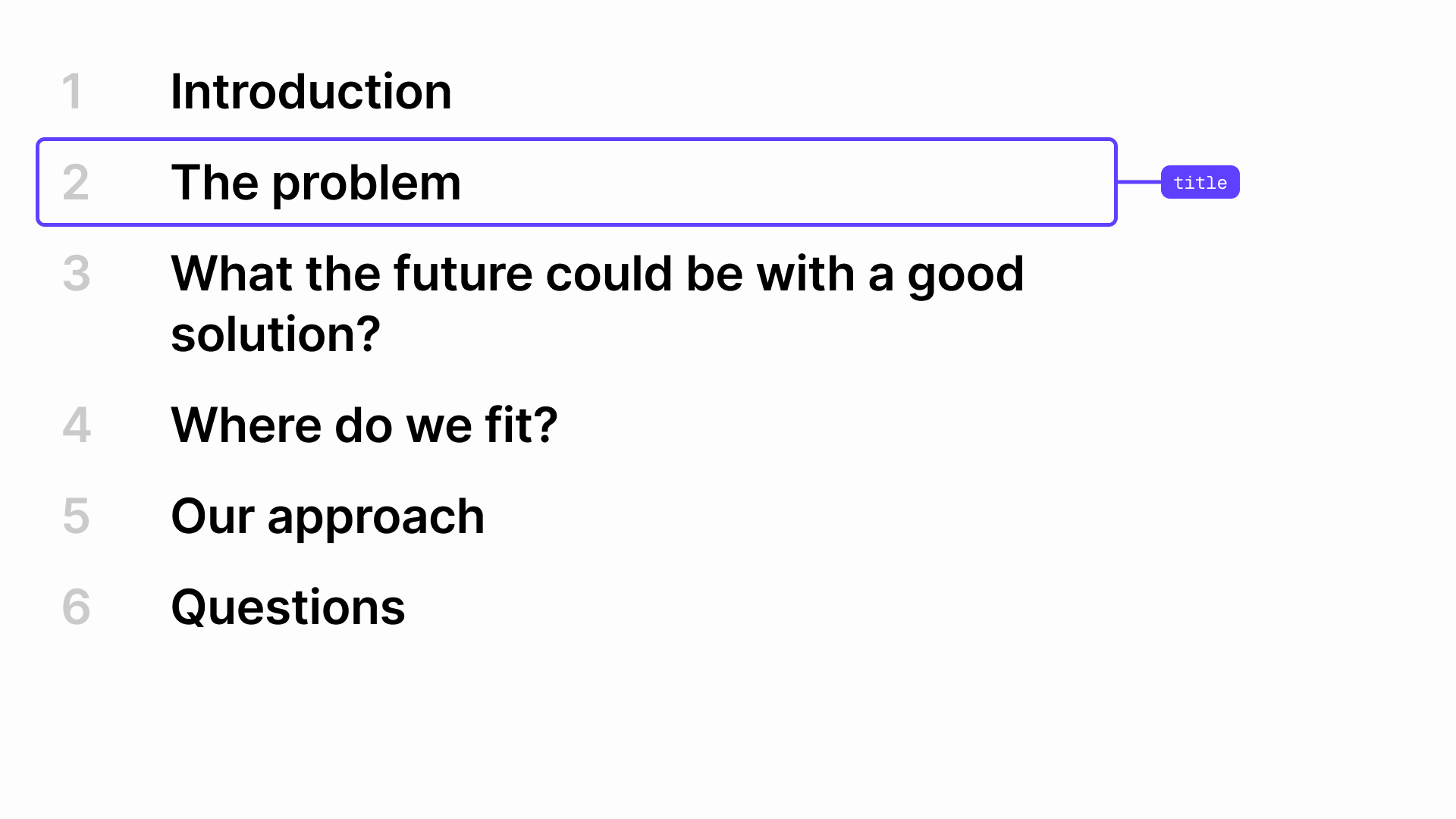
Use this when the list itself should take center stage. Best for moments where you want topics to feel confident and prominent without a title.
Parameters
Section Break Slide
Use section breaks to separate major topics and guide your audience through the presentation. They signal transitions, reset attention, and improve flow.
Classic Variant
Use this slide to clearly separate major sections in your presentation. Ideal for signaling a topic change, giving the audience a moment to reset, and maintaining a clean, structured flow.

Parameters
Dramatic Variant
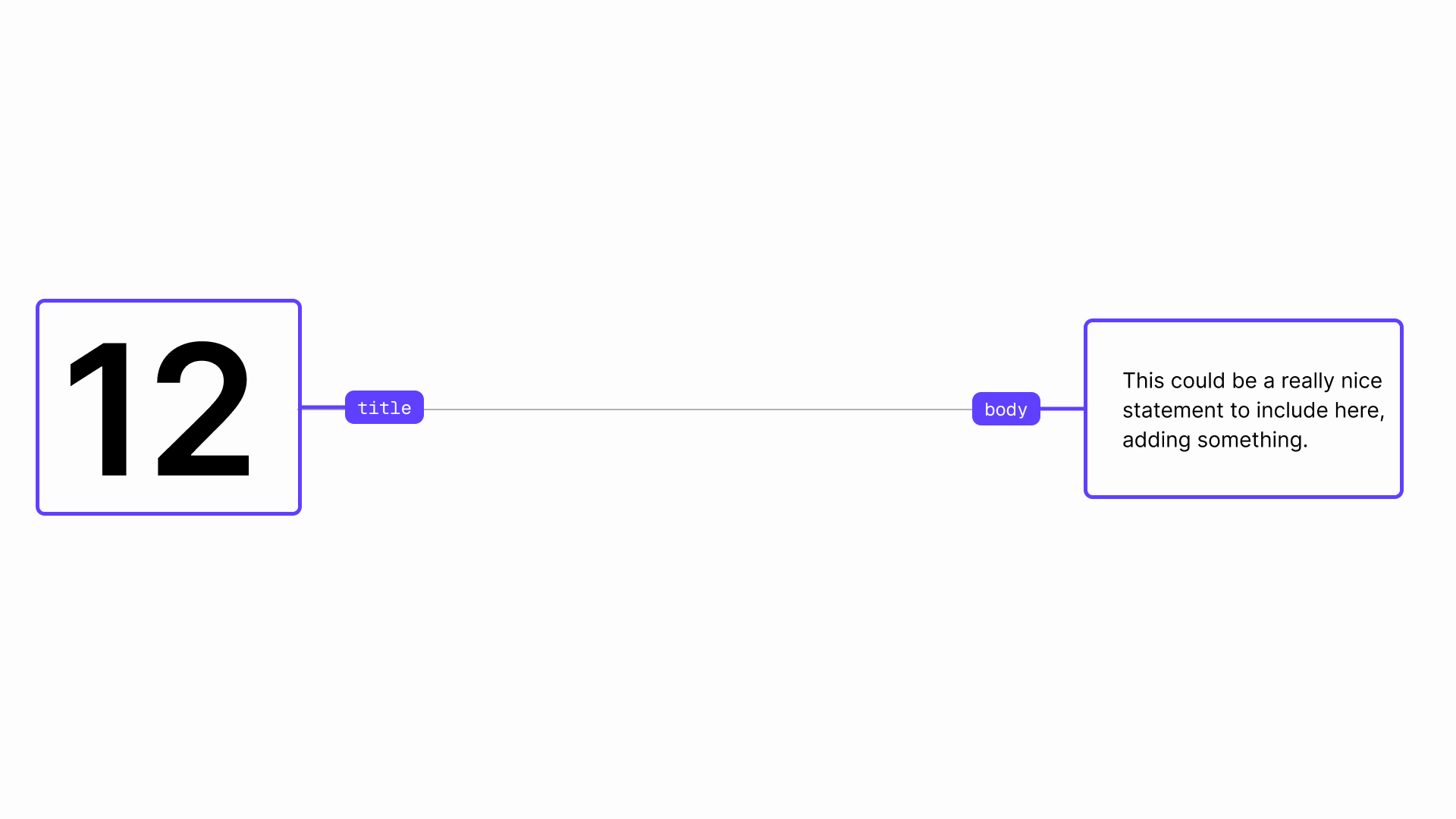
Use this slide to introduce a new section with impact. Perfect for storytelling, key transitions, or moments where you want to create emphasis and build anticipation before moving forward.
Parameters
Layouts
The layout parameter controls the arrangement of content.
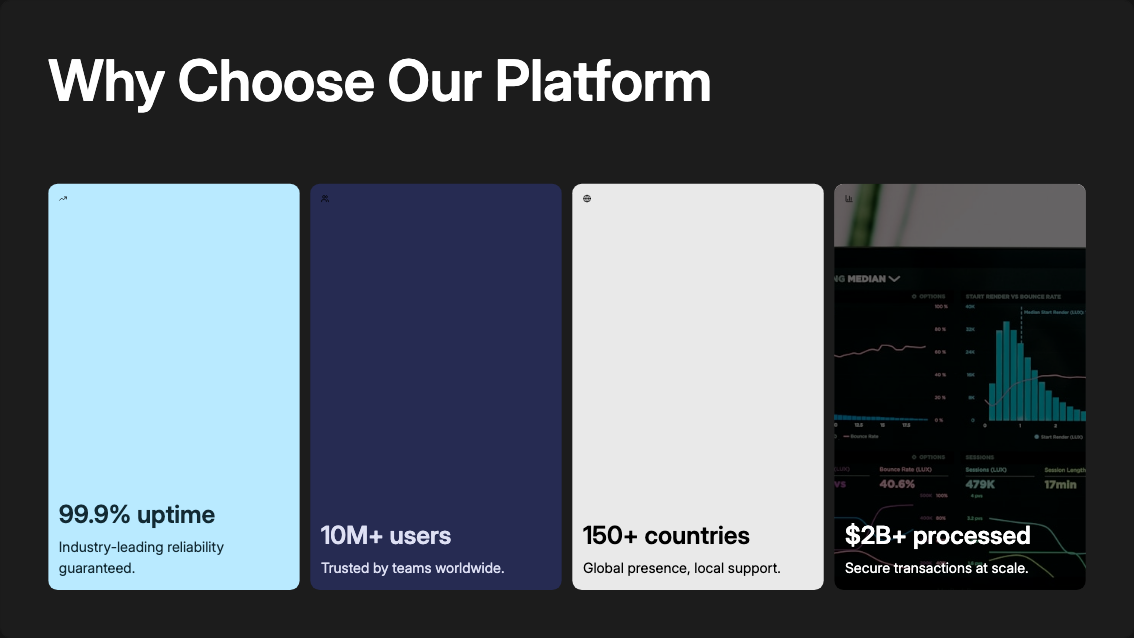
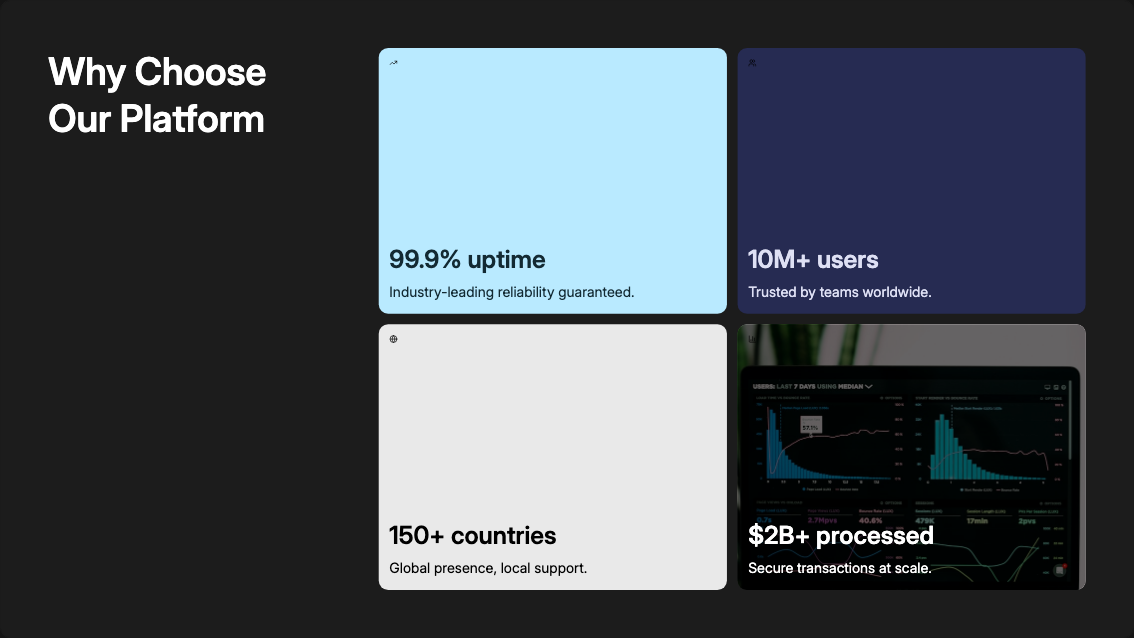
These slides highlight important data, metrics, and takeaways at a glance. Use them to present statistics, milestones, or insights clearly and visually. They’re ideal for emphasizing impact, supporting your narrative with evidence, and helping your audience quickly grasp what matters most.
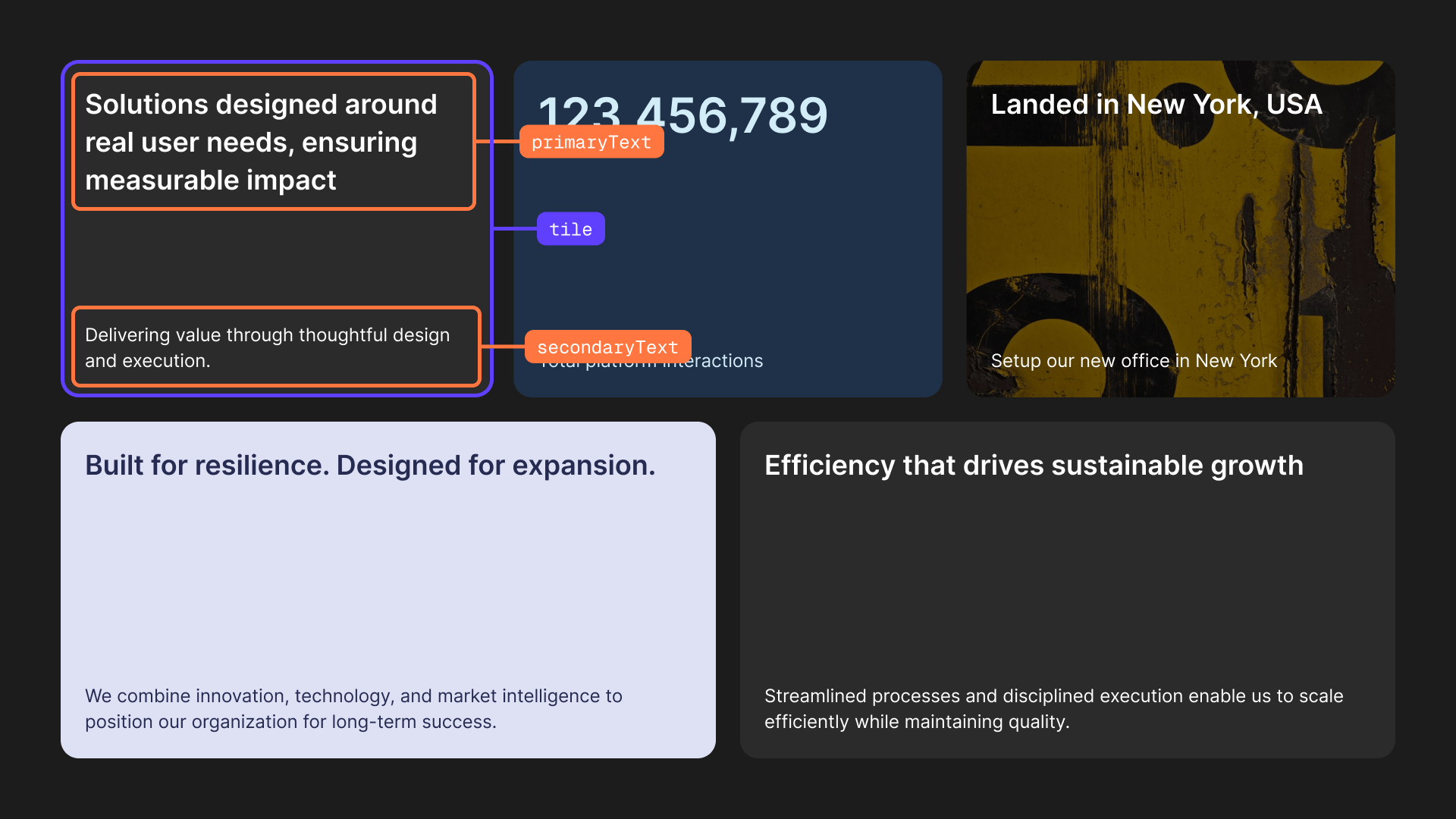
Insight Grid Variant
Use this to showcase multiple metrics or messages at once. Ideal for overviews, dashboards, or summarizing key points in a structured way.
Parameters
Tile Object Properties:
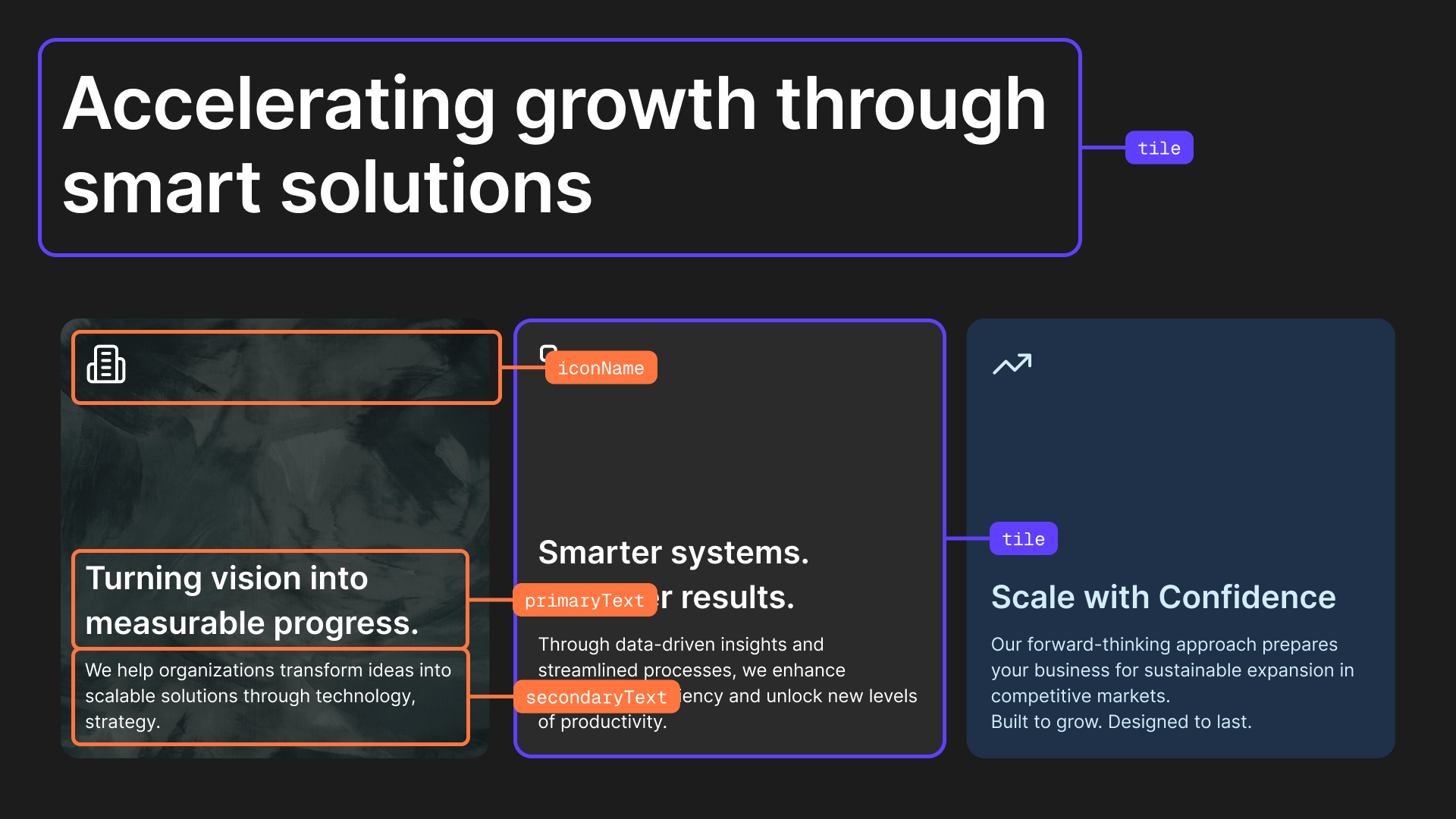
Feature Highlights Variant
Perfect for breaking down a topic into supporting points represented by a recognizable icon. Use this to explain benefits, features, or sub-insights around a main idea.
Parameters
Tile Object Properties:
Layouts
The layout parameter controls the arrangement of content.
Hero Metric Variant
Use this to spotlight a single powerful number. Ideal for major achievements, growth metrics, or headline results.

Parameters
Layouts
The layout parameter controls the arrangement of content.
Headline Statement Variant
Best for bold takeaways or key messages. Use when you want to emphasize an important idea or a summarizing statement.

Parameters
Layouts
The layout parameter controls the position of content.
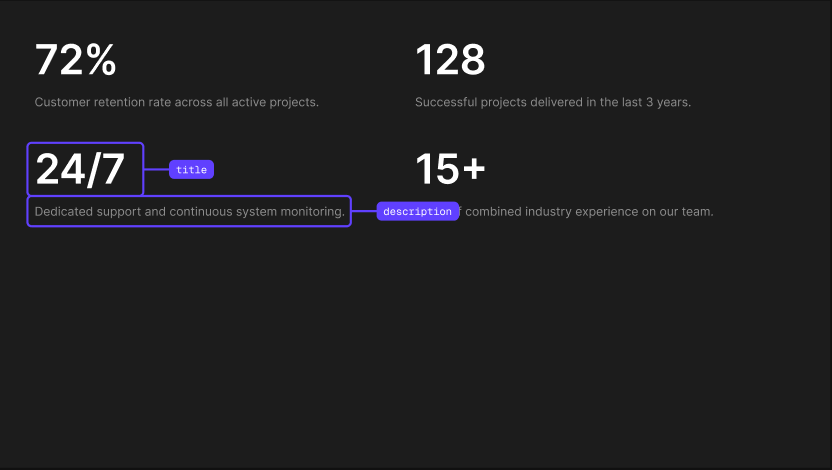
Key Info Variant
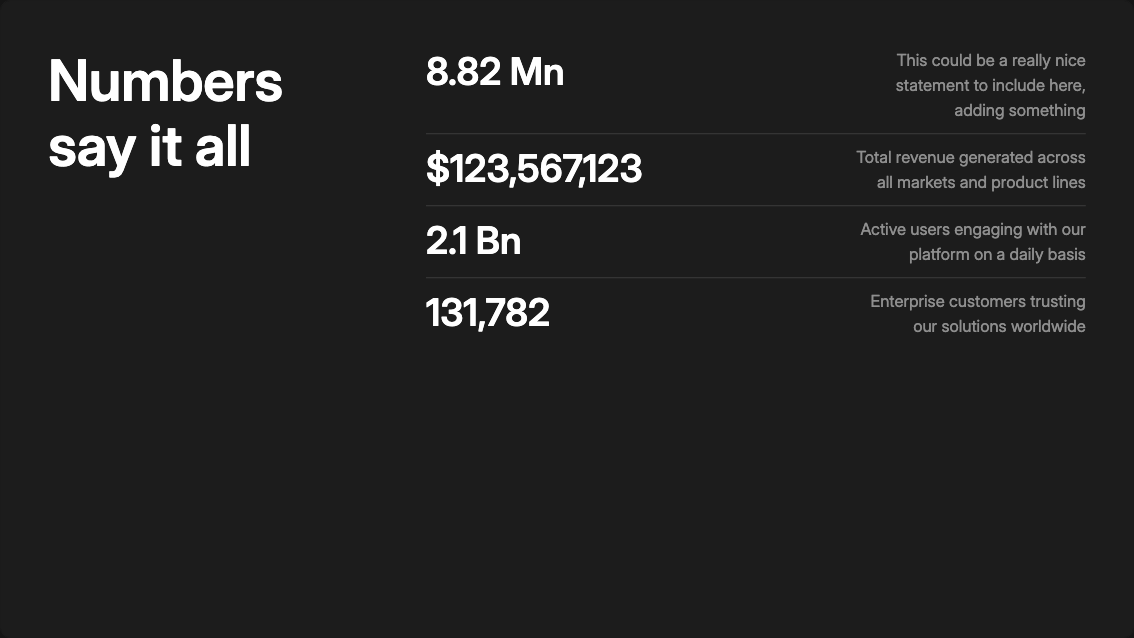
Use this to highlight up to six key figures, either to compare them or to showcase them individually. Ideal for performance summaries, progress updates, or presenting multiple important stats on one slide.
Parameters
Info Item Object Properties:
Key Info with Title Variant
Use this to highlight up to six key figures given a specific context, either to compare them or to showcase them individually. Ideal for performance summaries, progress updates, or presenting multiple important stats on one slide.
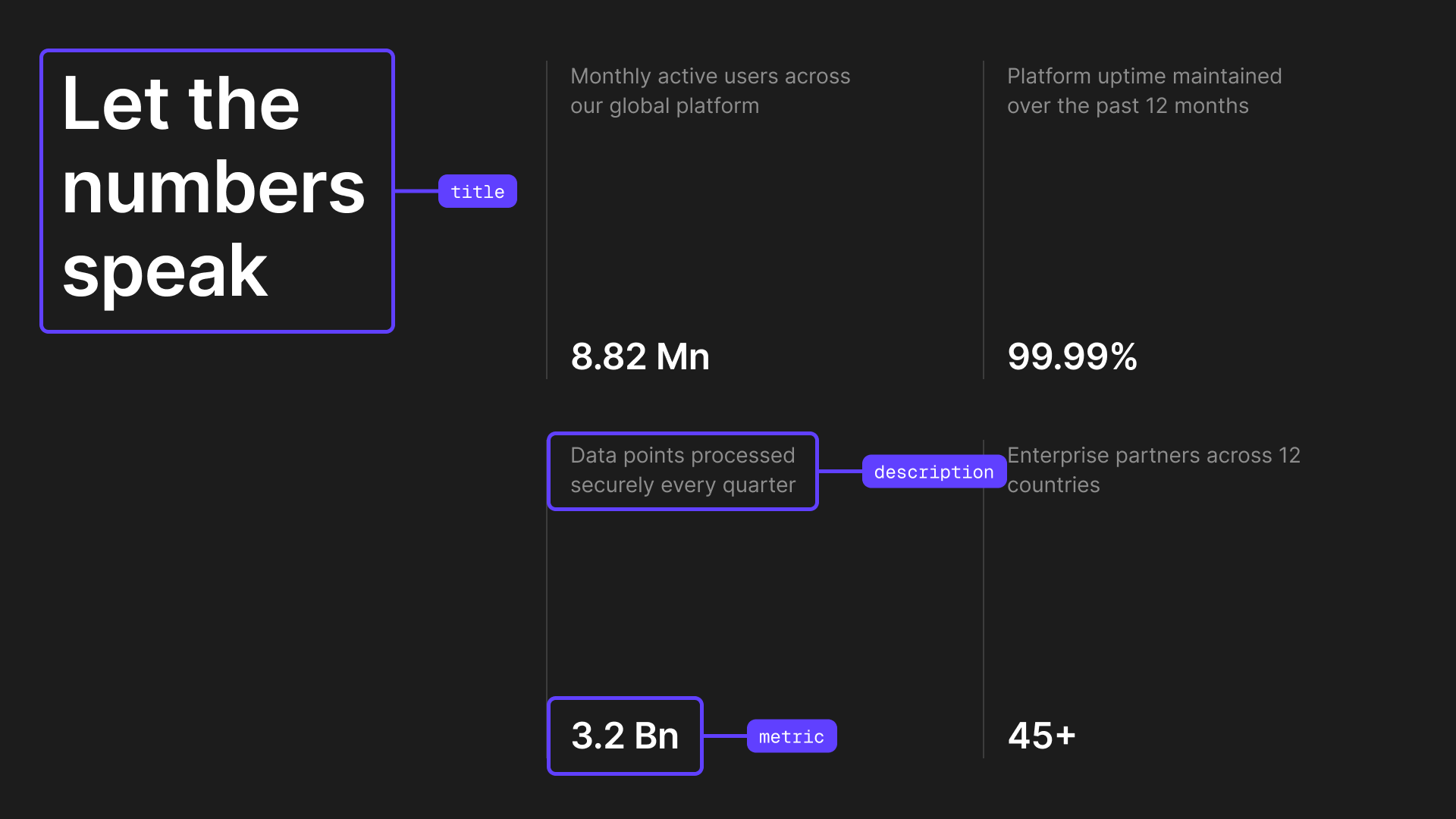
Parameters
Info Item Object Properties:
Layouts
The layout parameter controls the arrangement of info items.
Numbered Key Points Variant
Use this slide to present a sequence of steps, stages, or key points in a structured order. Ideal for processes, frameworks, roadmaps, or storytelling where progression matters and each point builds on the previous one.
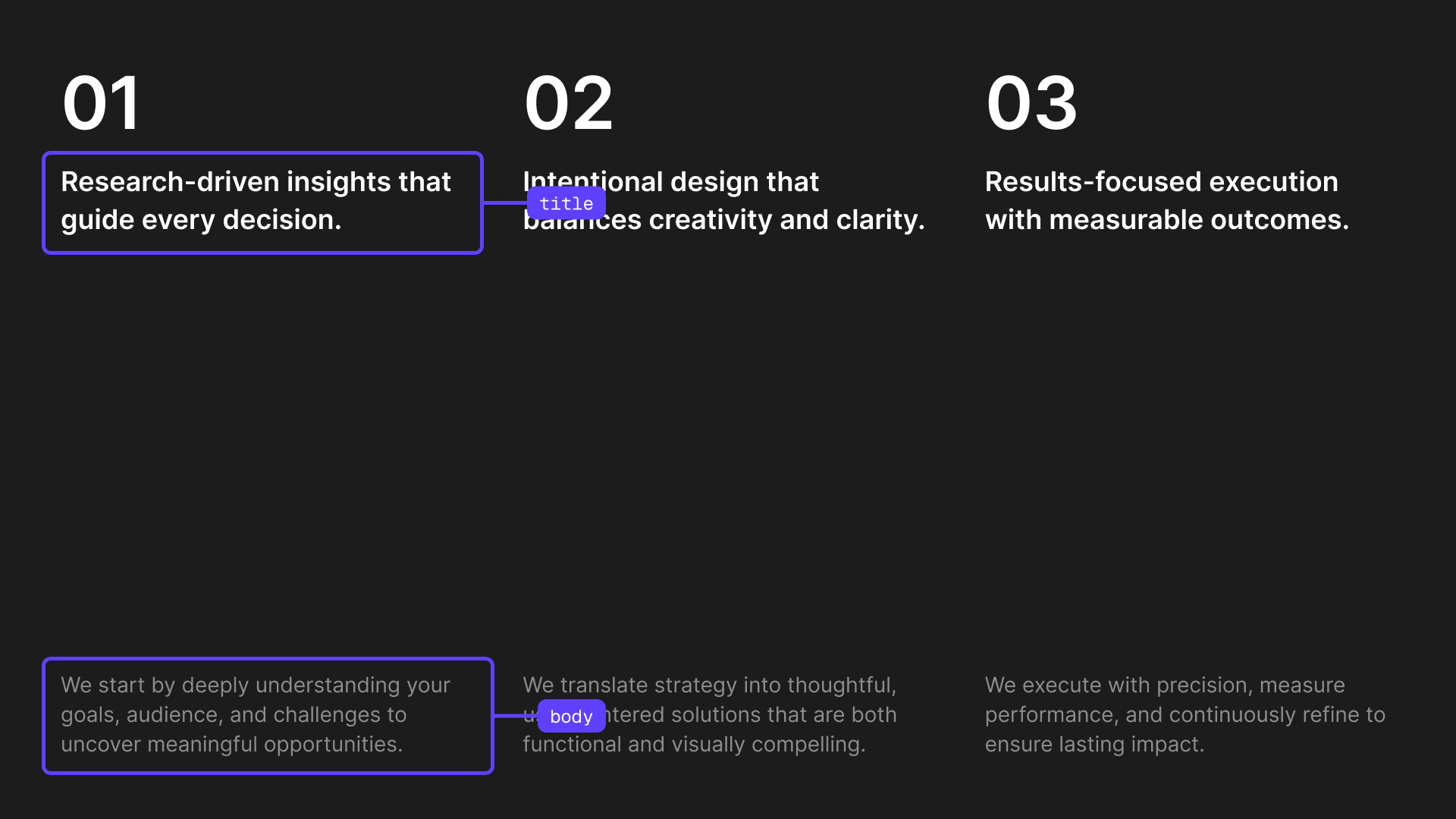
Parameters
Item Object Properties:
Image with Text Slide
These slides combine visuals with written content to support your message. Ideal for explaining ideas, adding context, introducing topics, or reinforcing key points. Great when you want imagery to enhance understanding without overpowering the content.
Visual Cards Variant
Use this slide to present multiple items, each with an image, title, and short description. Ideal for showcasing features, examples, categories, or concepts where each visual needs its own explanation.
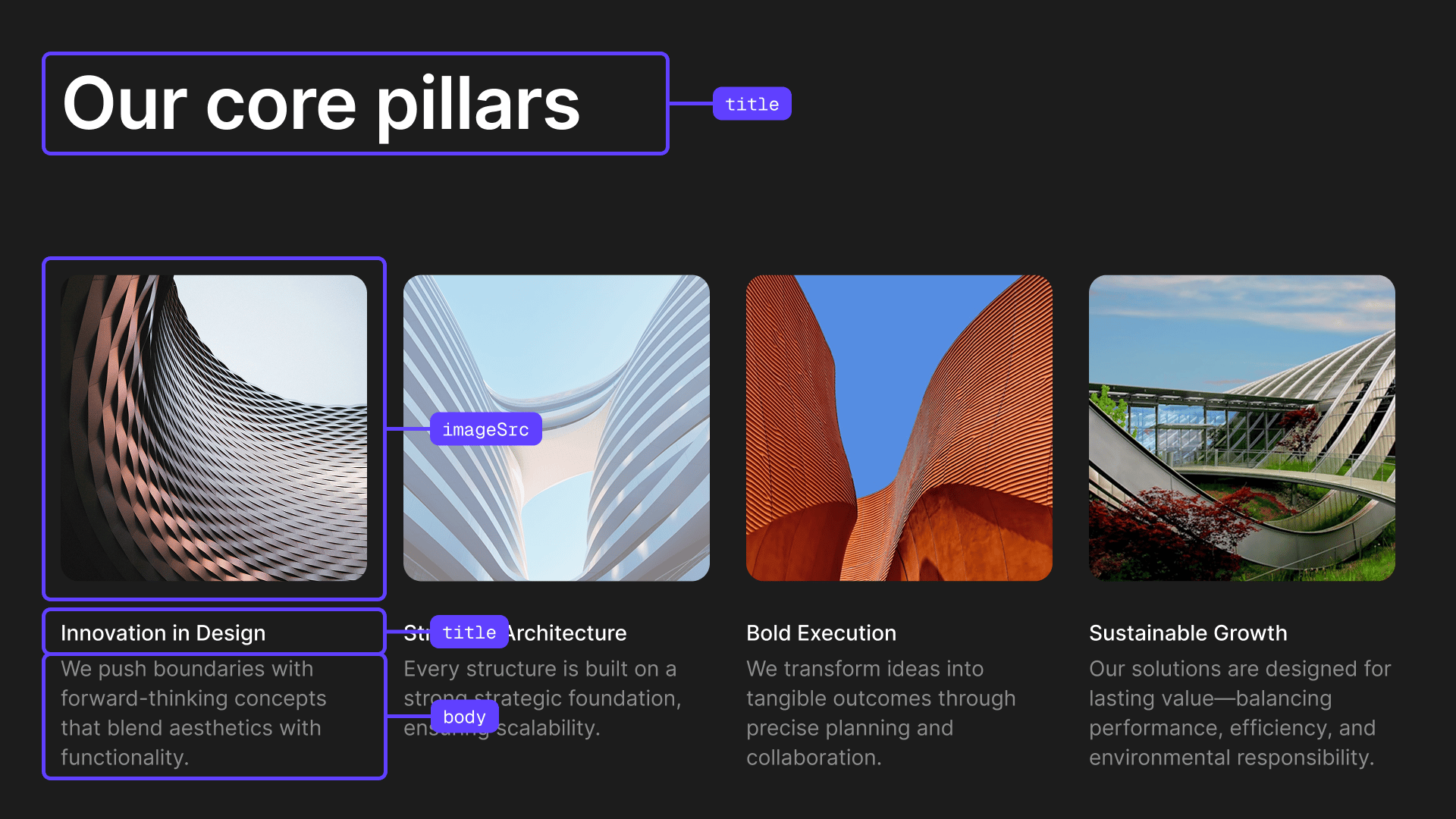
Parameters
Card Object Properties:
Content with Image Variant
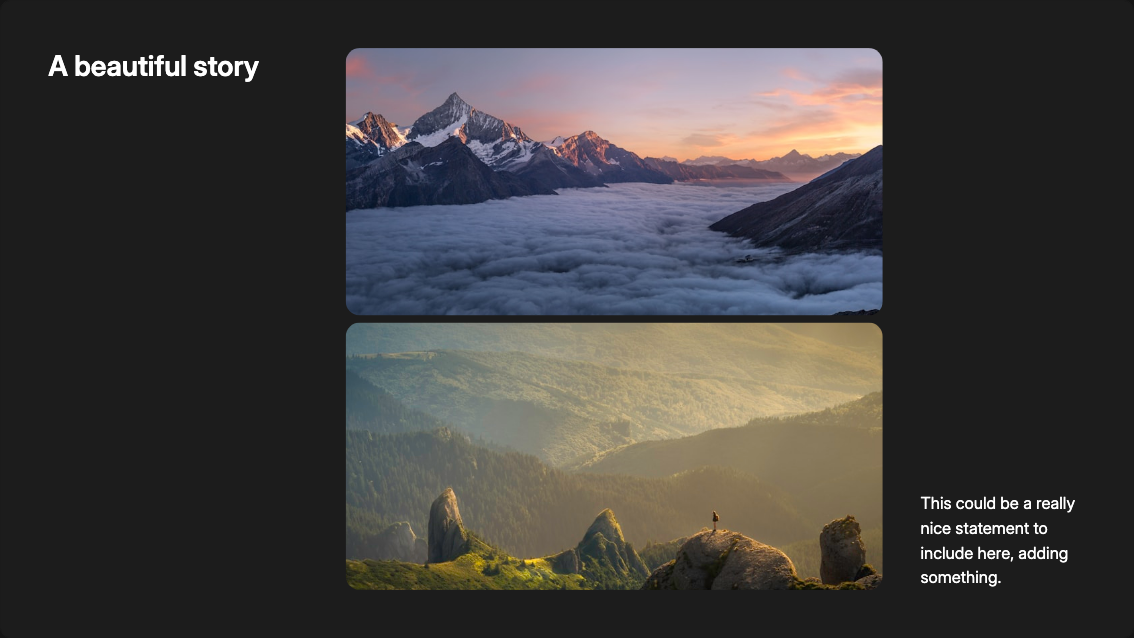
Use this to present a title or key statement alongside a supporting image, with optional body text for added context. Ideal for section openers, brand messaging, or narrative transitions where you want to introduce an idea and briefly expand on it.

Parameters
Layouts
The layout parameter controls the position of the image.
Metrics with Image Variant
Use this to present key numbers alongside supporting imagery. Works well for case studies, impact reporting, etc.
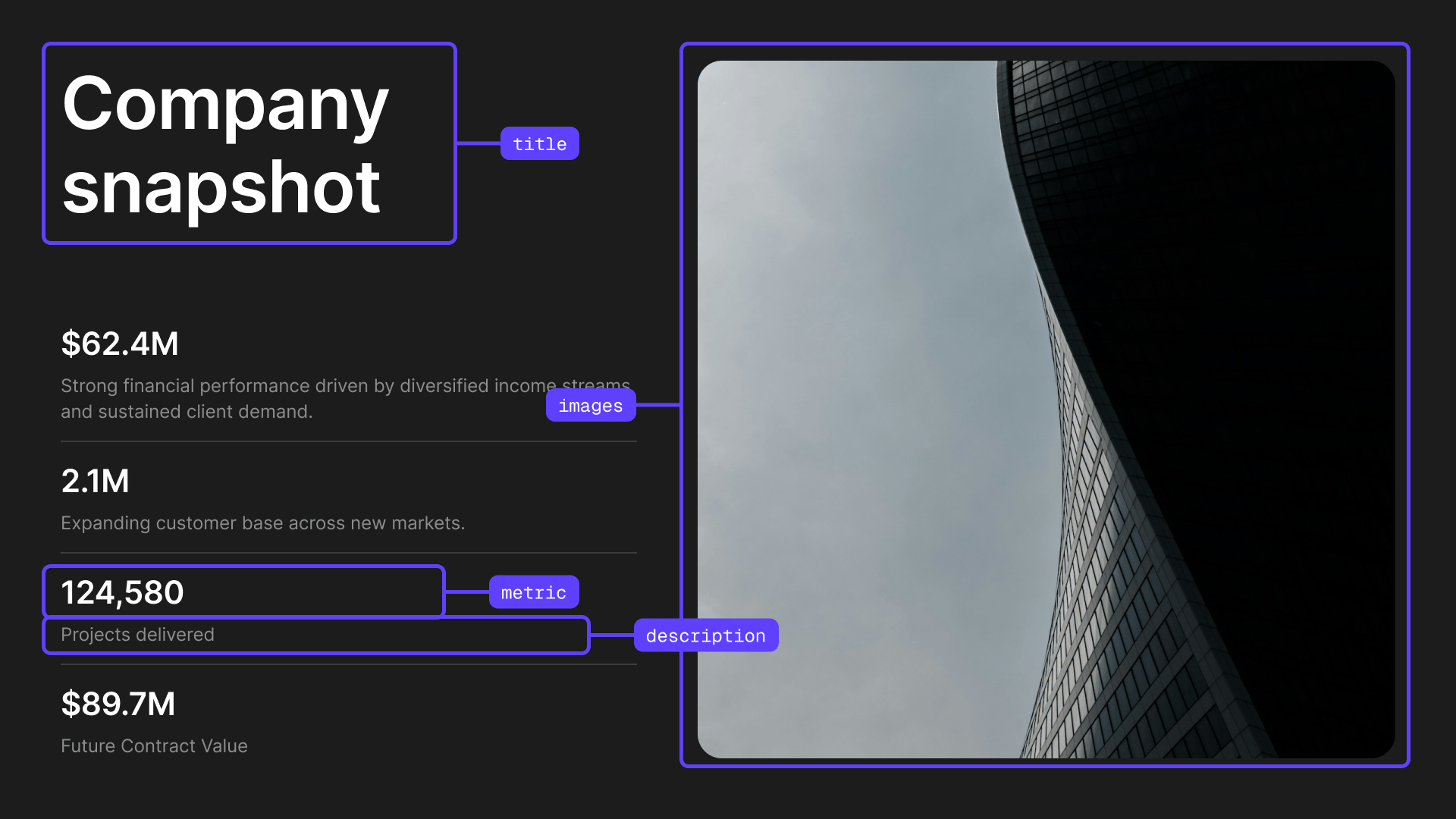
Parameters
Metric Object Properties:
Personnel Showcase Variant
Designed to introduce people and roles. Perfect for team pages, leadership decks, company intros, or project collaborators.

Parameters
Card Object Properties:
List with Image Variant
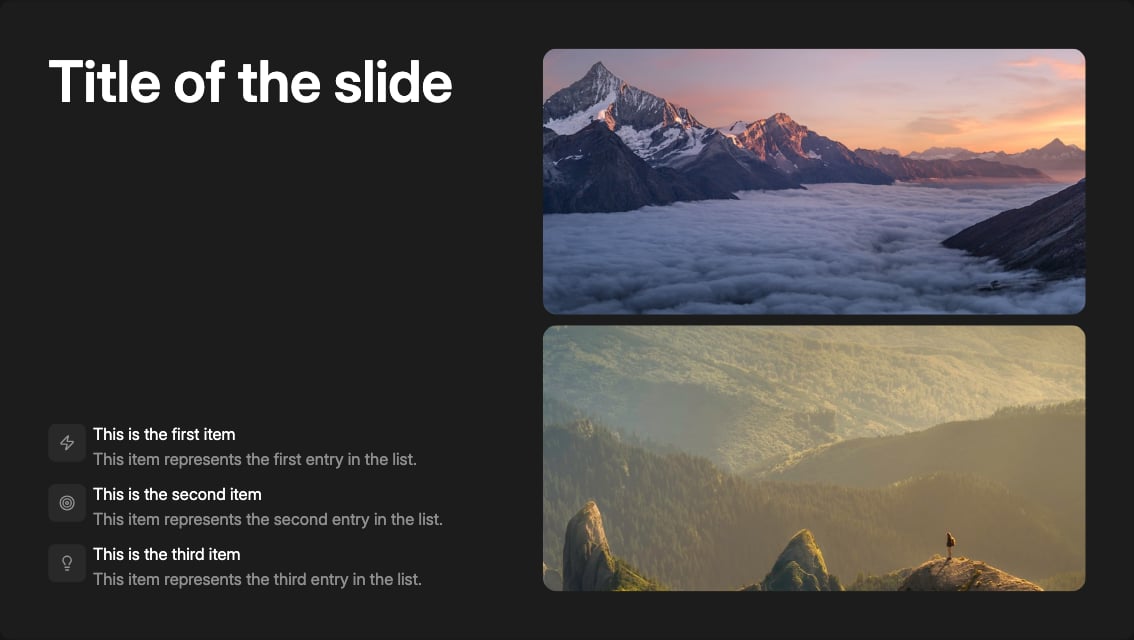
Use this slide to present a structured list of points alongside a supporting visual. Ideal for explaining processes, outlining steps, highlighting features, or summarizing key takeaways while keeping visual context.
Parameters
Item Object Properties:
Image Slide
Use this slide to showcase images without additional content. Ideal for setting mood, creating visual breaks, emphasizing a theme, or supporting a story moment. Works well for transitions, inspiration, or when an image alone communicates the message.
Images Variant
Use this slide to showcase images without additional content. Ideal for setting mood, creating visual breaks, emphasizing a theme, or supporting a story moment.

Parameters
Text Slide
Use these slides when text content is the primary focus. Ideal for detailed explanations, quotes, or narrative content that requires more space for written information.
Text Body Variant
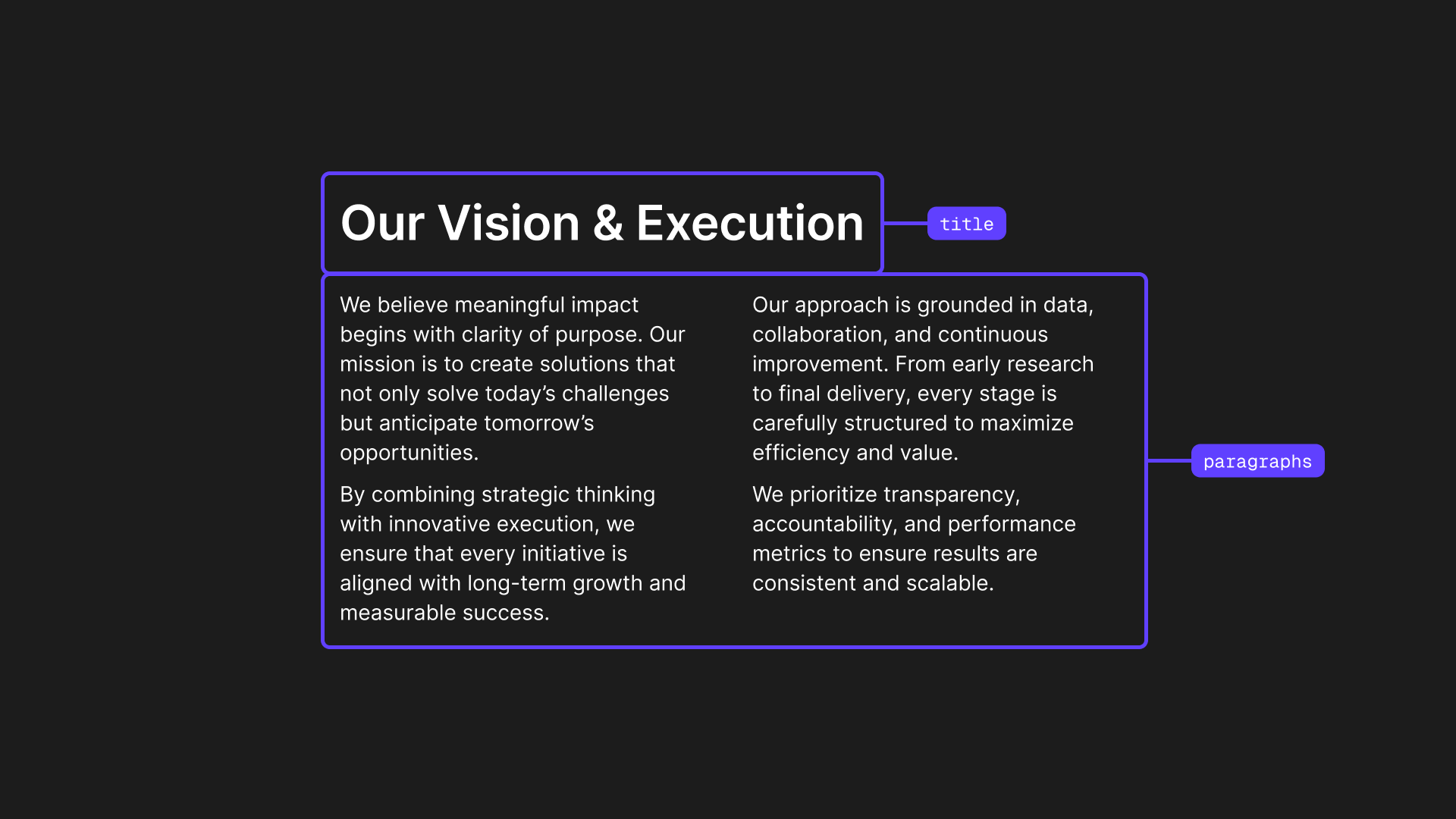
Use this slide for longer-form text content with a clear title. Ideal for detailed explanations, paragraphs of content, or narrative sections of your presentation.
Parameters
Layouts
The layout parameter controls the alignment of content.
Pull Quote Variant
Use this slide to emphasize a powerful quote or statement. Ideal for testimonials, key takeaways, or impactful statements that deserve to stand alone.

Parameters
Layouts
The layout parameter controls the position of content.
Chart Slides
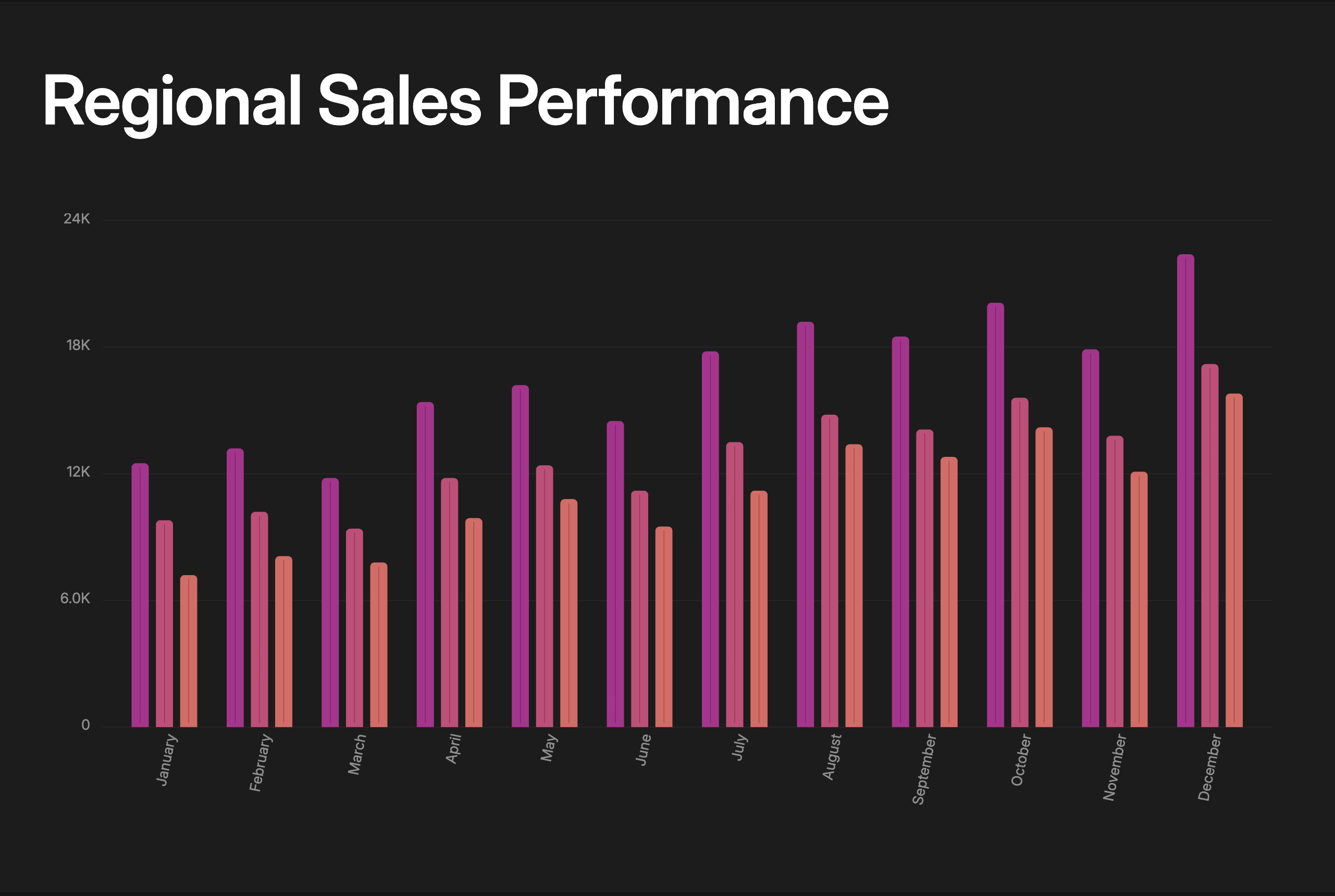
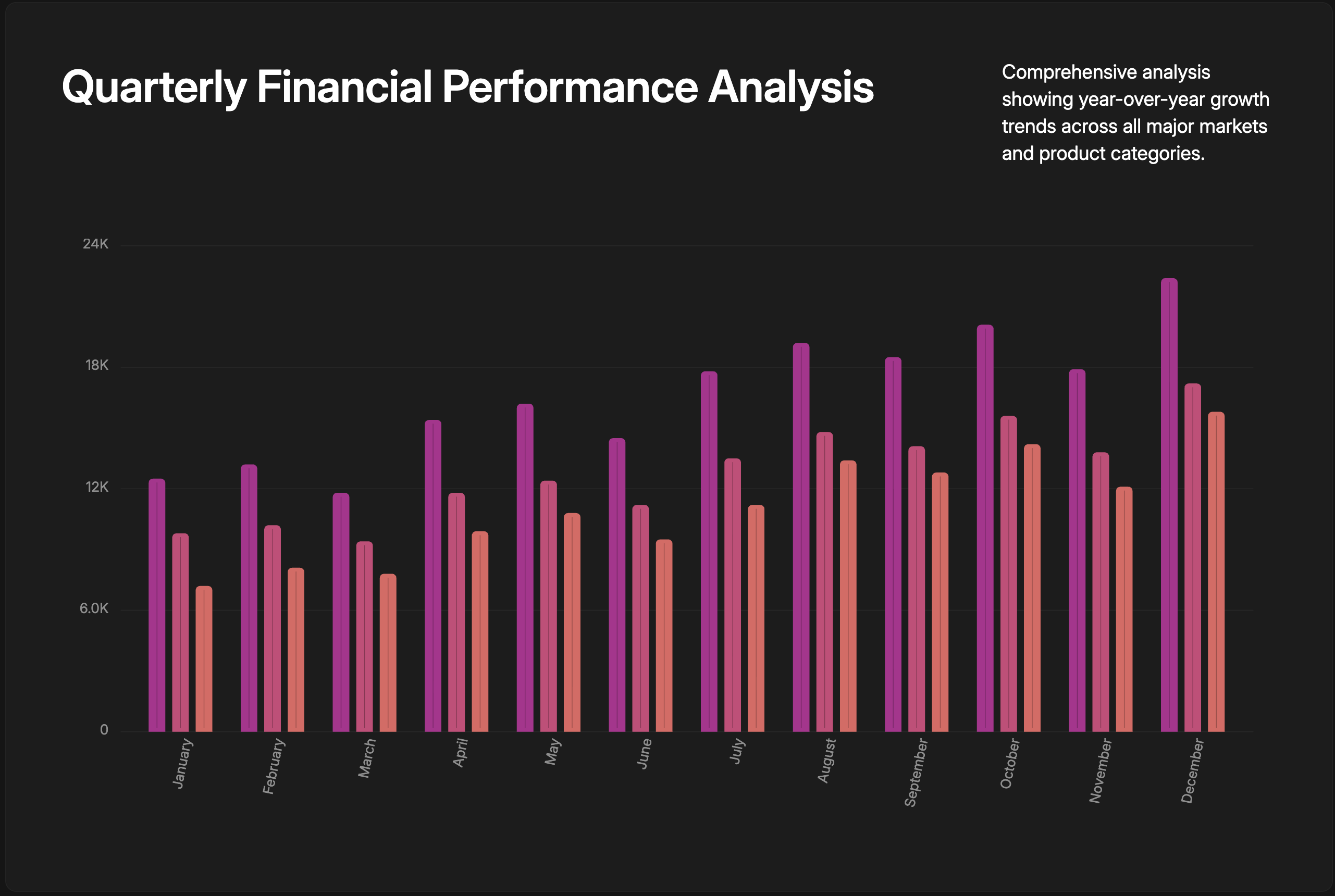
Use chart slides to turn numbers into clear insights. Ideal for showing trends, comparisons, distributions, and performance at a glance, helping your audience quickly understand patterns and key takeaways.
All chart variants use a chart field that accepts a chart component object. The available chart components are:
2D Chart Components — for bar, line, and area visualizations:
1D Chart Components — for distribution visualizations:
Chart with Context Variant
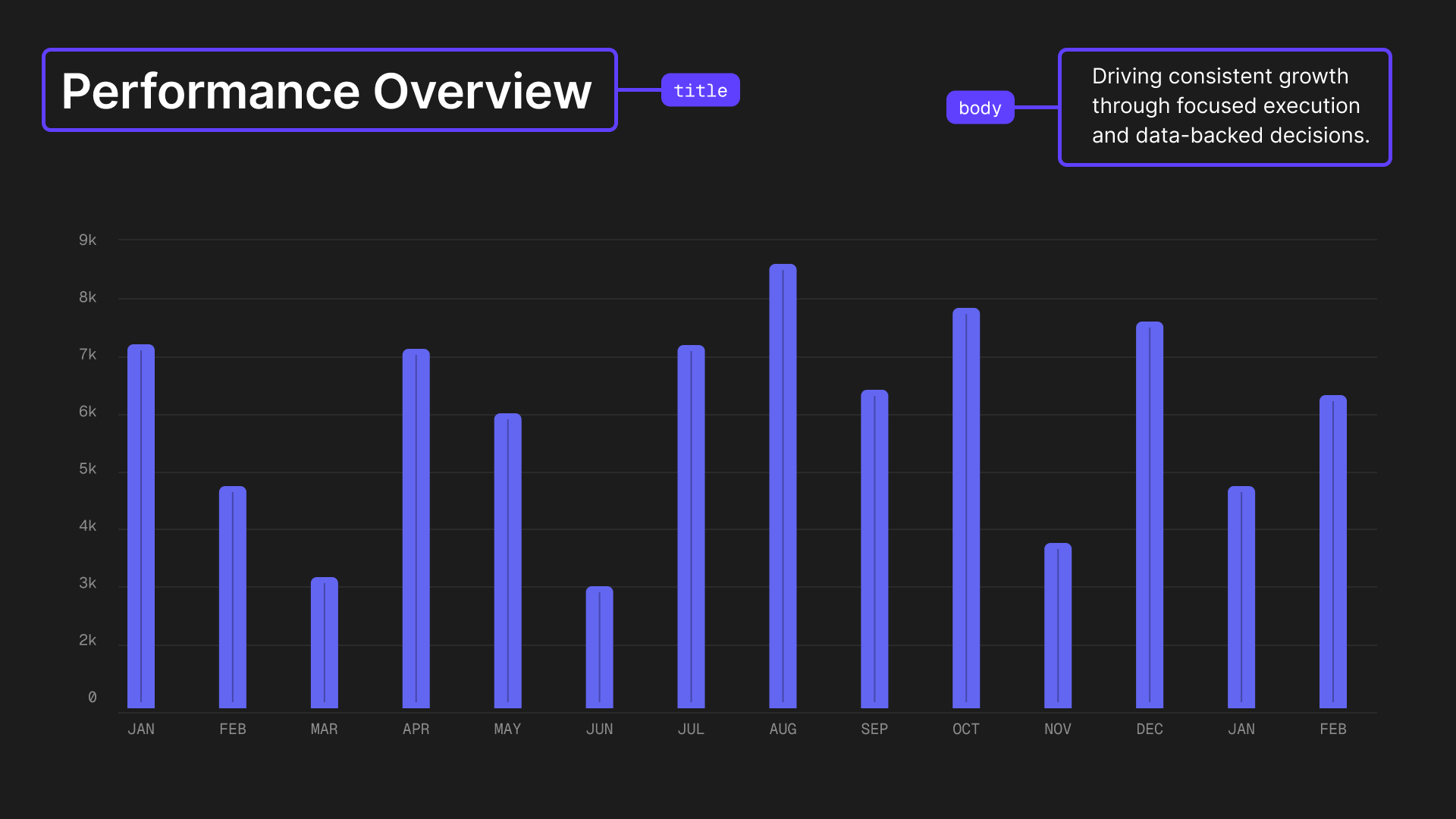
Chart with title and optional body for context or interpretation. Perfect for highlighting trends, calling out insights, or adding supporting notes.
Parameters
Layouts
The layout parameter controls the arrangement of the title, body, and chart.
Chart with Metrics Variant
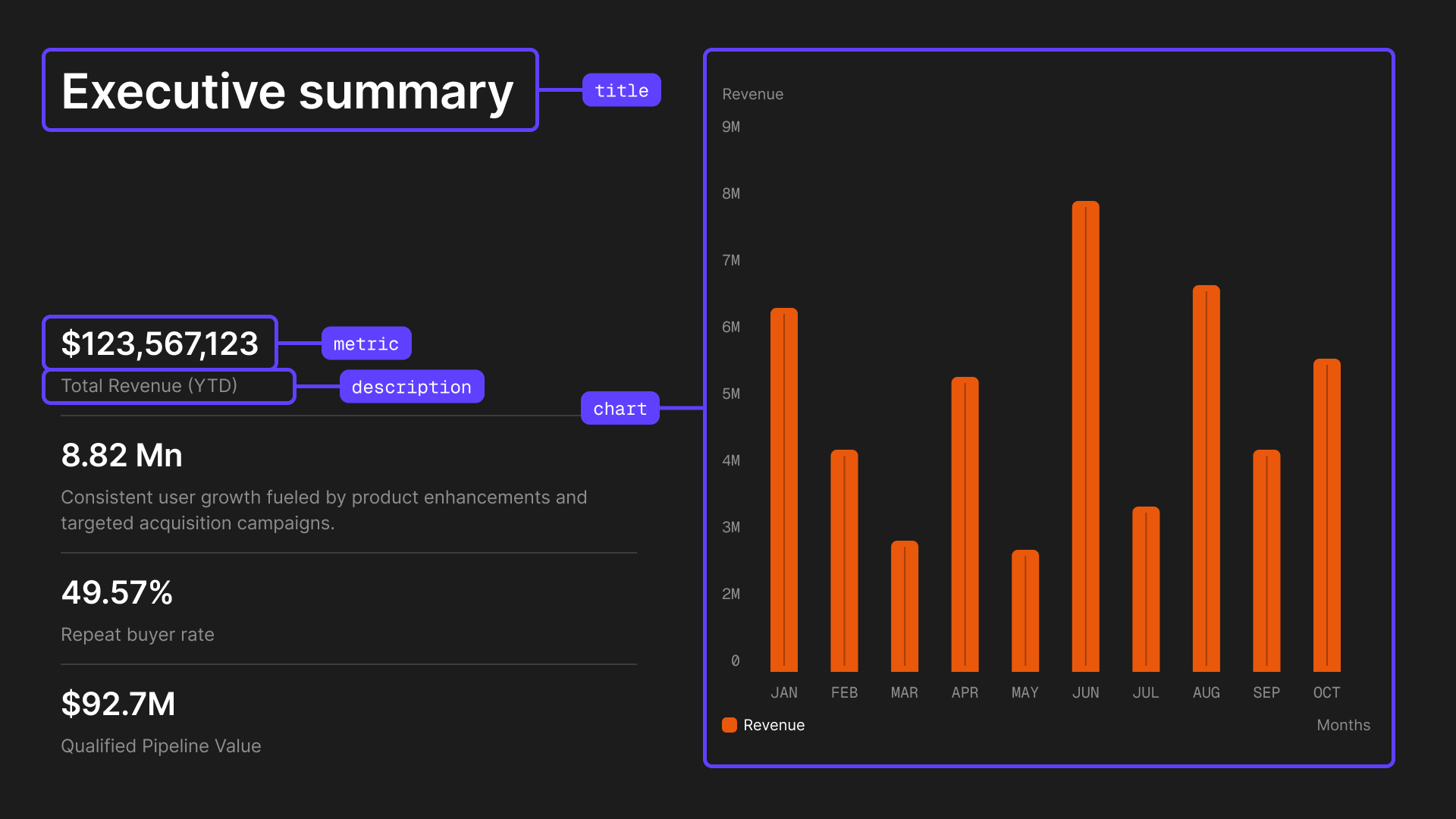
Chart with title and highlighted key metrics. Use to showcase a chart alongside up to 4 important data points for added context.
Parameters
Metric Object Properties:
Dual Charts with Context Variant
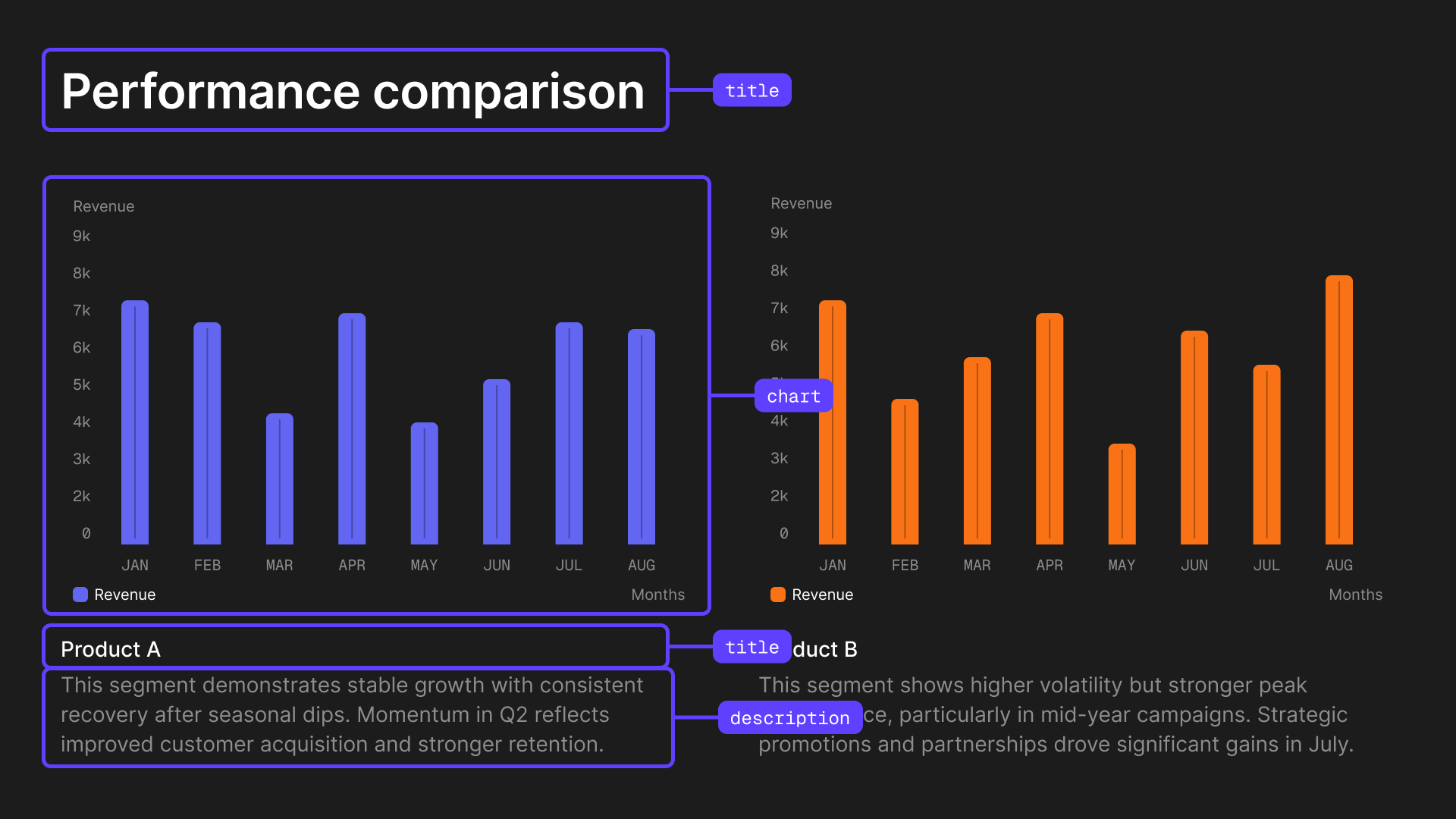
Two charts side by side, each with its own title and body text. Ideal for showing parallel metrics, regional performance, or comparing separate trends.
Parameters
Card Object Properties:
Pie Radial with Context Variant
Pie or radial chart with a title for showing distributions and proportions.

Parameters
Only PieChart and RadialChart are supported in this variant. Do not use AreaChart, BarChart, or LineChart.